A subscription link
Often labelled Subscribe, iCal or webcal. Add it once. Updates depend on what the school publishes and when your calendar refreshes.
Google Calendar steps · iPhone stepsTo add a school calendar to Google Calendar, open it on a computer and choose Other calendars → Add → From URL, then paste the school's subscription link. To add a school calendar on iPhone, open Apple Calendar → Calendars → Add Calendar → Add Subscription Calendar and paste the link. For a downloaded ICS file or PDF, choose the matching route below.
The format decides how you add the dates and whether later changes can reach your calendar.
Often labelled Subscribe, iCal or webcal. Add it once. Updates depend on what the school publishes and when your calendar refreshes.
Google Calendar steps · iPhone stepsA calendar file you can import. It gives you a copy of the dates; later changes will not update that copy.
Import the fileA notice to read. Pick out the dates that apply to your child. Google Calendar cannot import a PDF as events.
Work through the noticeUsing SchoolsBuddy? Follow our SchoolsBuddy calendar setup guide, with an official screenshot and steps for adding your link to Tandlo.
Look on your school website for Calendar, Term dates or a Subscribe button. A calendar feed may be labelled iCal, ICS or webcal. A web page or PDF of term dates is useful, but it is not a calendar subscription.
A personal feed link can contain access to your calendar. Keep it private and do not post it in a group or send it as a screenshot.
Use the exact school and academic year. A general bank-holiday calendar will not tell you every school closure, INSET day or year-group event. If an end date is unclear, check it with the school before putting it in your calendar.
Start in a computer browser. Google does not offer new calendar subscriptions in its Android or iPhone app.
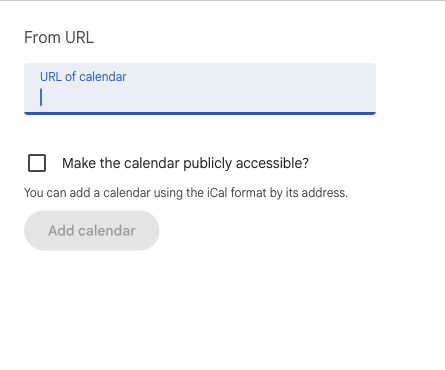
This needs a calendar feed that Google can reach. A school website address or login page will not work. Use your school's instructions if its parent portal provides a personal subscription link. Do not make a private calendar public to get past a setup problem.
Checked against Google's calendar subscription instructions on 18 October 2026.
If the school offers a calendar download ending in .ics, import it on a computer:
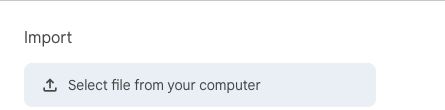
An import is a copy, not a live school subscription. Later edits at school will not update it. Avoid repeatedly importing the same dates; compare any replacement file first.
Google accepts ICS and CSV calendar files, not PDFs. See Google's import instructions.
Use the subscription address from your school or its parent portal, not the address of a page listing term dates. Only add a calendar from a source you trust.
Steps checked against Apple's calendar subscription instructions on 18 October 2026. These are source-checked instructions, not a new device test.
Yes. If your family already checks Apple Calendar, Google Calendar or Outlook, start there. A school subscription supplies the dates its publisher includes. A separate invitation or school email may still need a parent to check and add it.
For individual messages, see school emails to calendar events and adding an invitation picture to your calendar.
You cannot subscribe to a PDF as a live calendar. First check whether the school also offers an iCal or subscription link. If it only sends a PDF, you can add the relevant dates yourself or use a tool to help read them.
Open the notice beside the calendar you normally use, then work through these checks:
Keep the notice, or a link to it, somewhere the other adult can check. A one-off copy will not watch for later changes: see which routes can receive updates.
Paste text or choose a photo in Ask Tandlo. For a supported text PDF, use the Tandlo Share action where it is available. Tandlo can suggest dates and tasks from the notice. Check the child, dates, times and jobs, then tap Add. Nothing from that notice is saved until you choose.
Sharing a notice does not give Tandlo access to the rest of your inbox or chats, or create a feed for later changes. For recurring emails, you can set up forwarding from selected school senders. AI reading uses your Free starter or Family allowance.
In Ask Tandlo, choose Add a calendar, paste the school's subscription link, then tap Preview calendar. Check the dates before adding the calendar. You can also paste the link into Ask Tandlo to open this route.
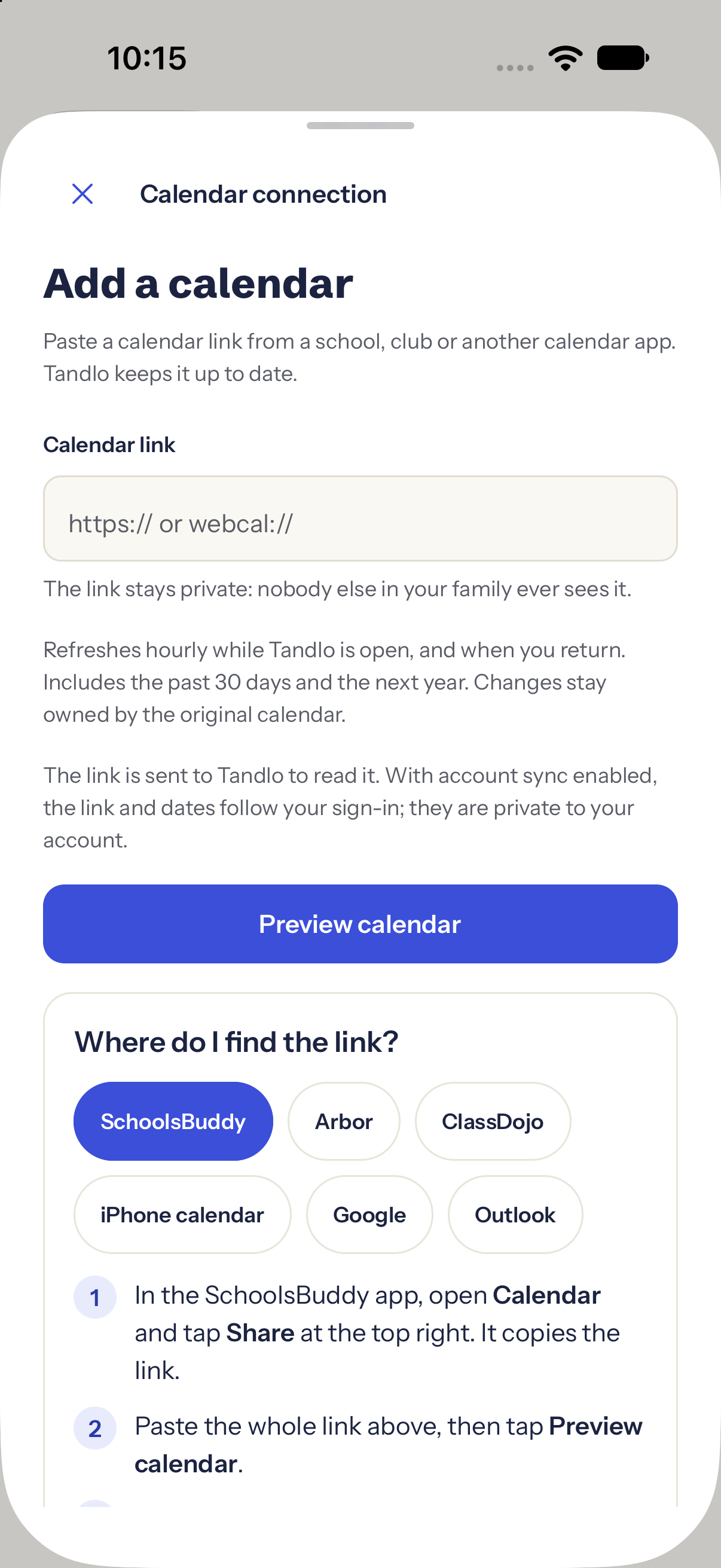
Tandlo checks supported public school sources daily, so you do not have to copy every date from a term-date sheet. Where a notice clearly names a year group, Tandlo can match it to the relevant child. Whole-school dates can apply to every child at that school.
These followed-school dates can appear without a separate Add tap. If the audience is unclear, check the source and choose the child rather than assuming it applies to everyone.
Coverage varies by school. Not every school can be followed, the first check may be queued, and the school may publish information elsewhere. Check its latest notice for urgent changes. See how following a school works.
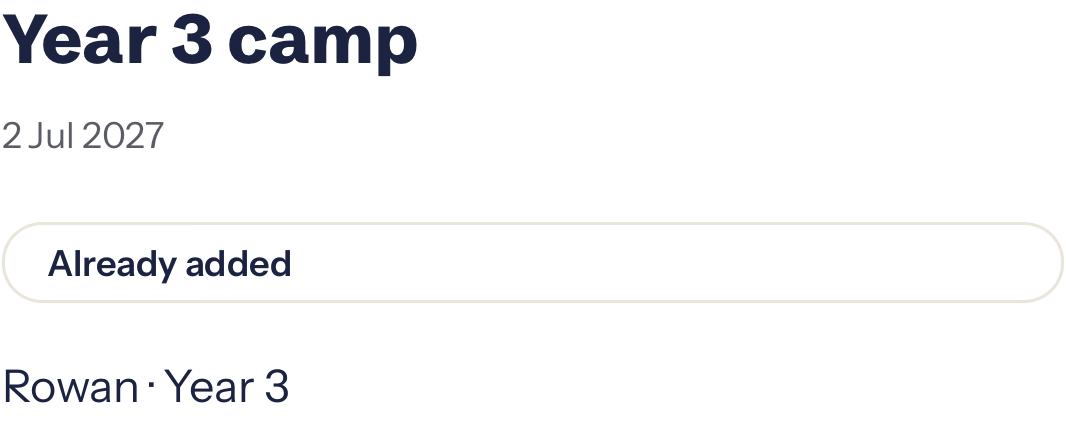
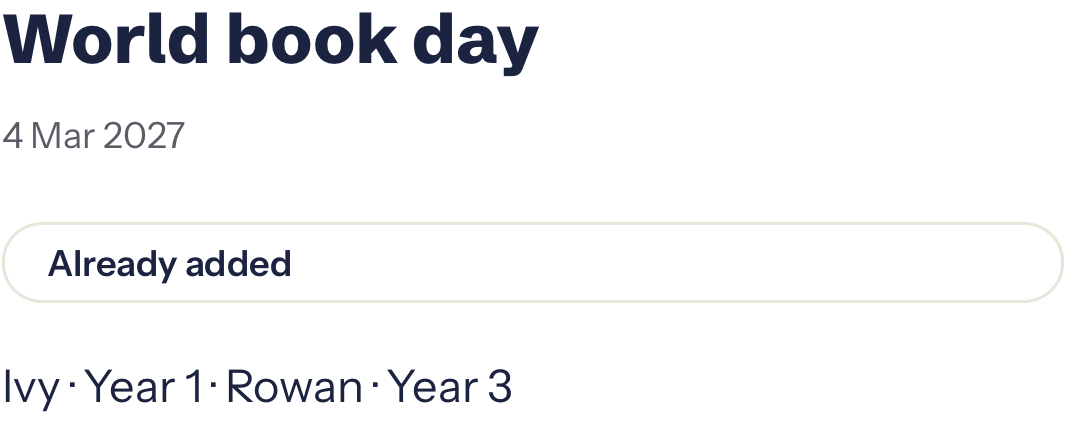
Actual Tandlo screens from build 117, captured 31 October 2026 with fictional children. These are two separate followed-school examples; the dates and app text have not been altered.
A subscription can receive later updates from its publisher. Importing a one-off calendar file creates a copy, so later changes may not reach it. Updates can take time to appear: check the school's latest notice for an urgent change.
In Tandlo, saving a plan and exporting a copy are separate actions. An exported copy does not keep itself in sync. Signed-in Google, Apple and Outlook connections are in development. Calendar links and those future connections are different features.
First check whether you subscribed to the same school calendar twice, or imported a file before subscribing. Hide one calendar temporarily and see which entries disappear before removing anything. Keep personal notes or reminders you added yourself.
Set up a new subscription in Google Calendar on a computer first. Then use the same Google account on your iPhone and check that calendar is selected. To subscribe directly in Apple Calendar, follow the iPhone steps above.
Only if the publisher includes them. Check the academic year, your child's year group and the school's own notices. Do not assume a council term-date page includes your school's INSET days or last-minute changes.
No. A PDF can help you create events, but it does not become a subscription that watches the school for changes. Keep the source with your plan and check later notices.
Use the school dates hub to choose the provider guide. Some systems provide feeds; others need a screenshot, email or manual entry. Their options and paid features differ.
Tandlo is coming to iPhone in the UK. Join the early-access list and we’ll email when access opens. Joining does not give immediate app access.