Practical guide · School dates
Add a school calendar to Google Calendar or iPhone
A calendar link, an ICS file or a PDF? Find the right steps for what your school sends.
Guides & advice
Get help with school dates, email and family calendars. Find the steps for your school's system, or advice on choosing what works for your family.
Practical guide · School dates
A calendar link, an ICS file or a PDF? Find the right steps for what your school sends.
Advice · Family organisation
What to check before you choose: shared access, school information, reminders and price.
Practical guide · School emails
Start with selected senders, then follow the steps for Gmail, Outlook, iCloud or Yahoo.
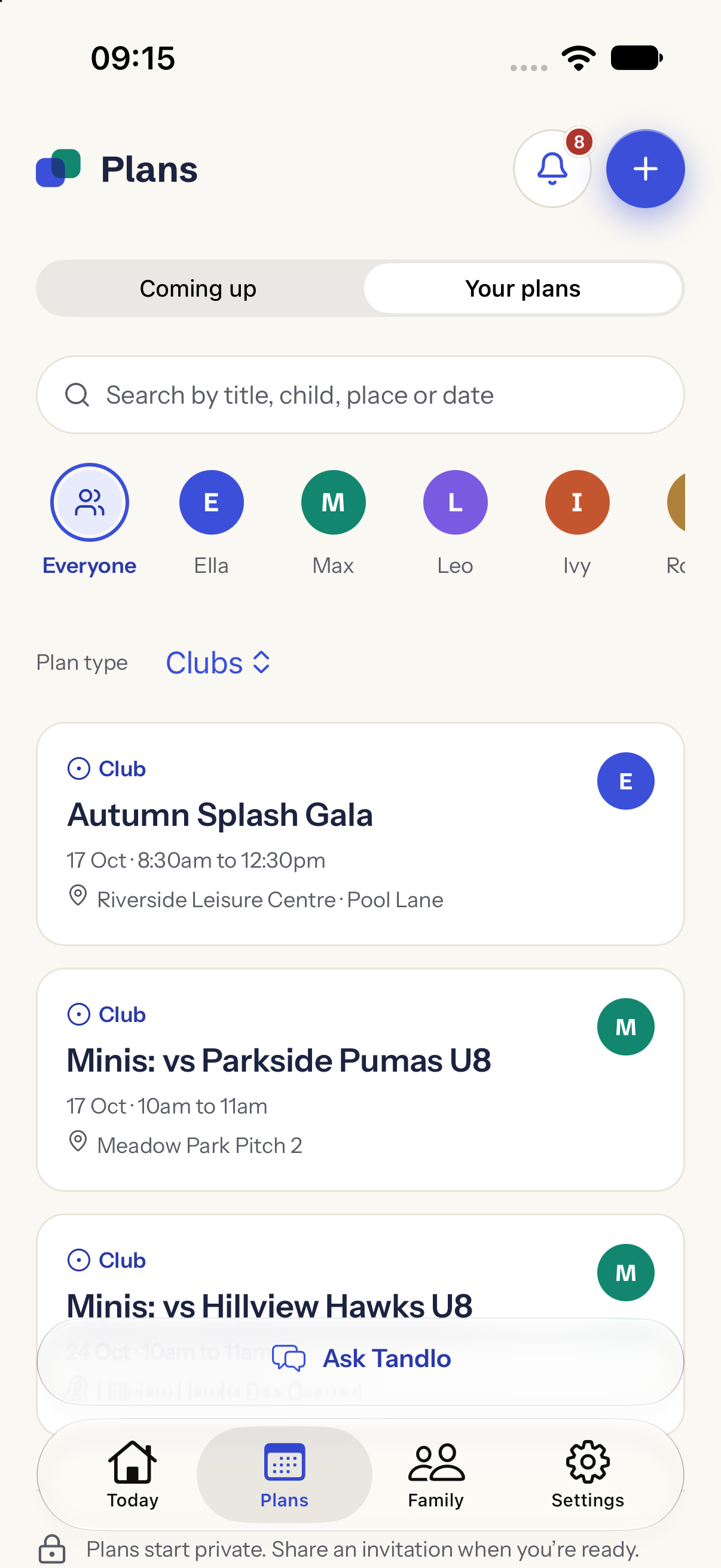
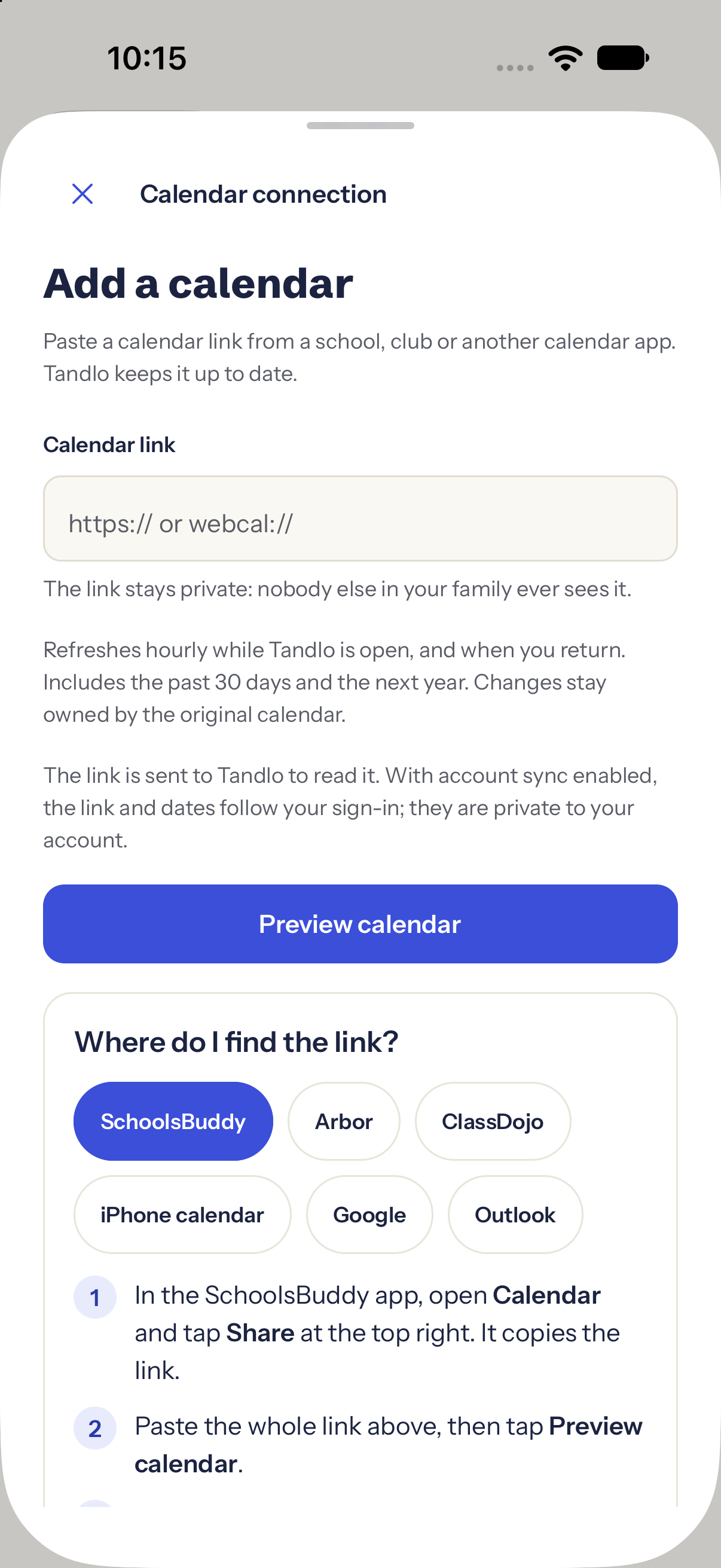
Native iPhone screens with fictional example data; email guide illustration.
Get the dates out of school apps, feeds and PDFs and into your family week. Start with the school dates hub →
Practical guide
Follow a live school feed, import an ICS file, or handle dates in PDFs and emails. Includes Google Calendar steps and help with missing or duplicate dates.
Practical guide
Find your SchoolsBuddy calendar link, add it to Tandlo and choose the right children. Includes an official screenshot and help with missing or duplicate dates.
Practical guide
Find dates in the Arbor Parent App, share an event screenshot to Tandlo or forward a school email. Includes an official mobile calendar example.
Practical guide
Compare ClassDojo Plus calendar sync with sharing an event screenshot or forwarding an email to Tandlo. Keep school dates and next steps together.
Practical guide
SchoolPing messages can arrive by email as well as in the app, and they can land in spam. Rescue them, forward them to Tandlo automatically, or share a letter or screenshot.
Choose which school messages to forward, with steps for your email provider.
Practical guide
Choose the senders Tandlo may read, find your private forwarding address and understand what happens after an email arrives.
Practical guide
Turn school emails and newsletters into calendar events. Compare adding dates yourself, subscribing to a school calendar and forwarding selected emails to Tandlo.
Practical guide
Add and confirm your Tandlo address, then make a filter for the school senders you choose. Includes verified Gmail screenshots and help with greyed-out forwarding.
Practical guide
Set up an Outlook.com rule for selected school senders, with annotated Microsoft examples, or forward one email from your phone.
Practical guide
Set up selected-sender iCloud Mail forwarding on iPhone or the web, or forward a single school email to Tandlo.
Practical guide
Forward a Yahoo school email from your phone, understand paid automatic forwarding, or bring the details into Ask Tandlo.
Advice to help you choose how your family keeps track of the week.
Advice
Compare shared access, school information, reminders, price and mobile availability. Includes checked product examples and a one-week family test.
Keep the invitation, the plan and the guest replies in reach.
Practical guide
Make the invitation in Tandlo, share its reply link and see who's coming in the party's Replies view. Standard designs and replies are Free; AI artwork is a Family feature, with four examples generated in Tandlo.
Practical guide
Received an invitation picture? Share it into Tandlo, check the details and save a plan. Includes the edited share-from-chat demonstration and the separate RSVP step.
Save what matters and make a plan for moving to Tandlo.
Practical guide
Save your family information before Maple closes, plan your next steps and join early access for six months of Tandlo Family.
Using Tandlo
Bring an invitation picture, school letter or calendar link. Check the details before you add them to your family week.
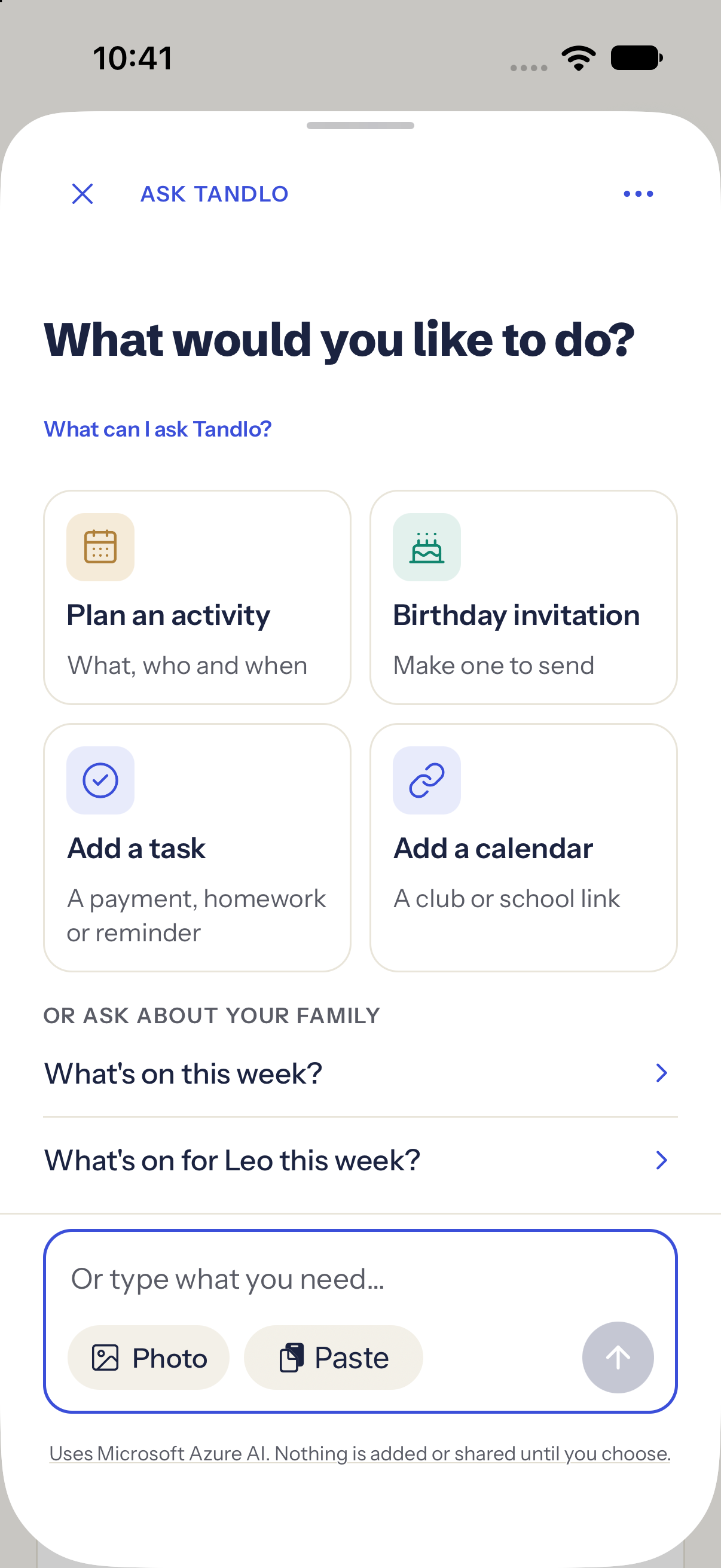
These examples show adding information to Tandlo. An RSVP, payment or export to another calendar is a separate action.
A school email, a letter, a party invitation or a calendar link: start with what you have. Open Ask Tandlo and choose the way that suits it.
Check the child, dates and details before saving a plan or adding a calendar. For regular school emails, you can also set up forwarding using the guide below.
Early access for UK families on iPhone. See current availability and what is included.